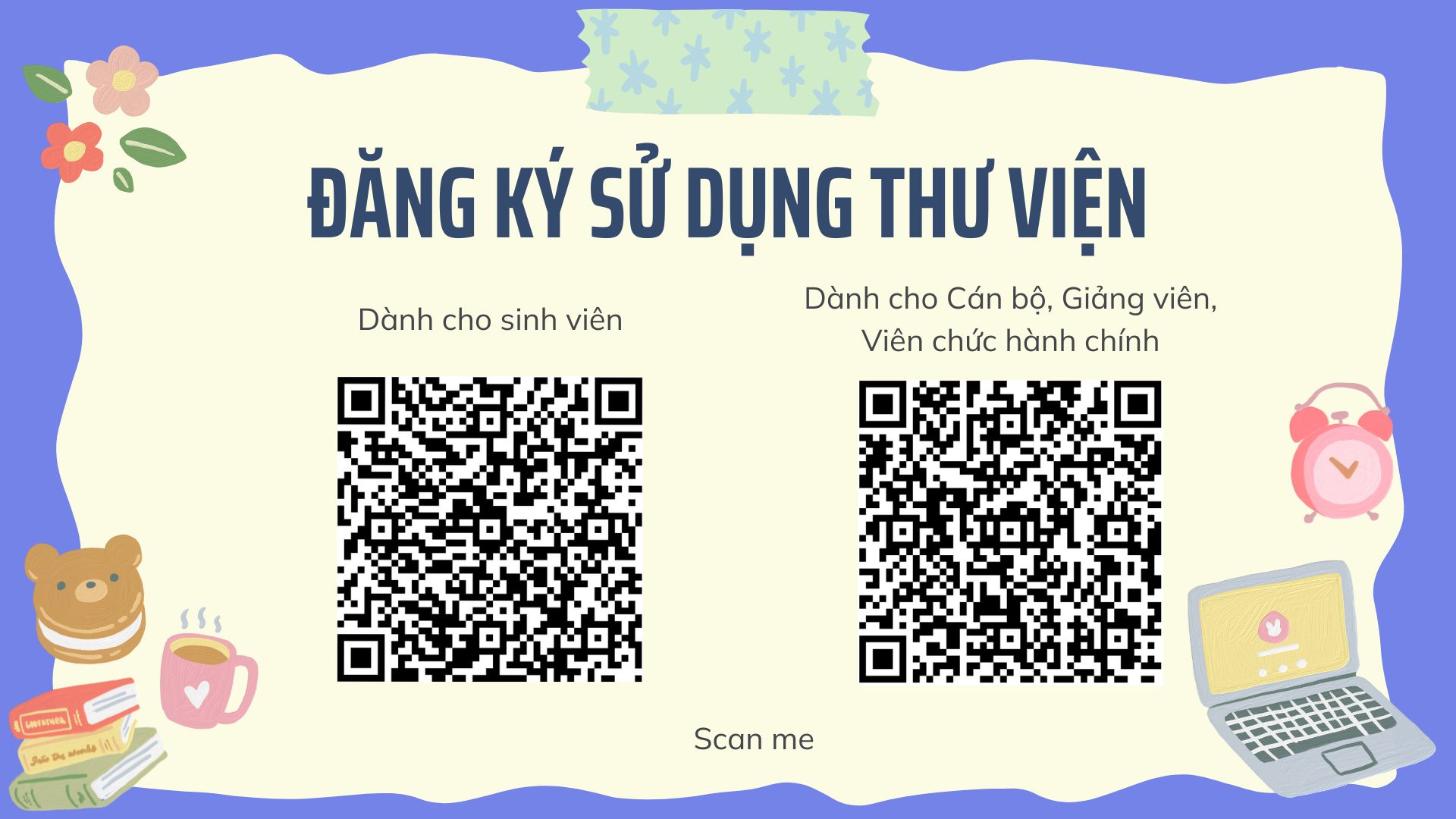
Registering to use the library
Guides
How to register:
- Scan the QR code or click the registration link
- Sign in with your University-issued email
- Fill in all the information in the “Library Registration Form”
- Form for students: https://forms.office.com/r/GazeEN3RKD
- Form for staff, lecturers and officers: https://forms.office.com/r/628DfNACbE
Once registered, readers can use their student card to access Library services or sign in to the Library website
* Note: Readers who have already registered in person at the Library do not need to register again.